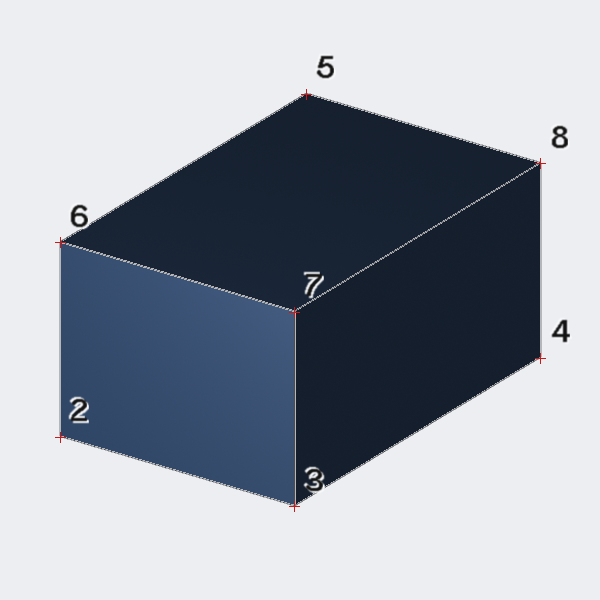
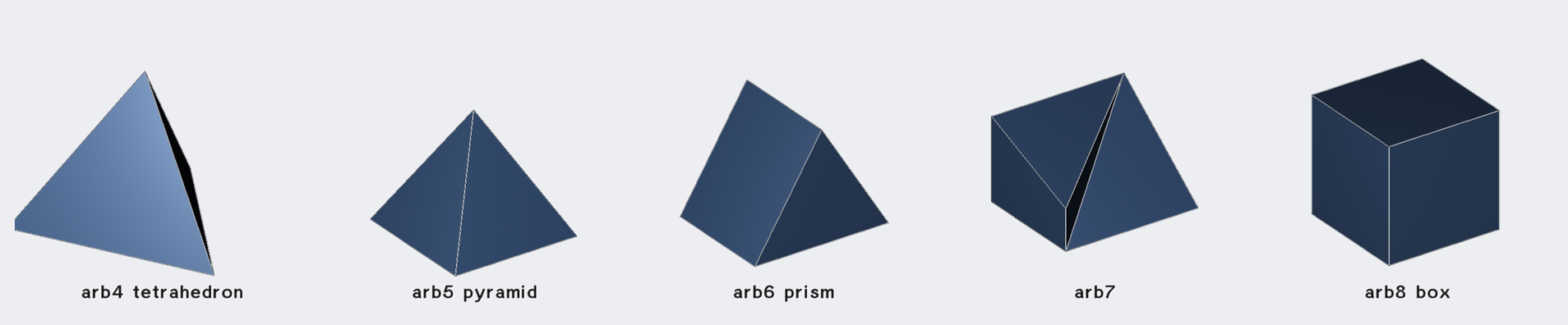
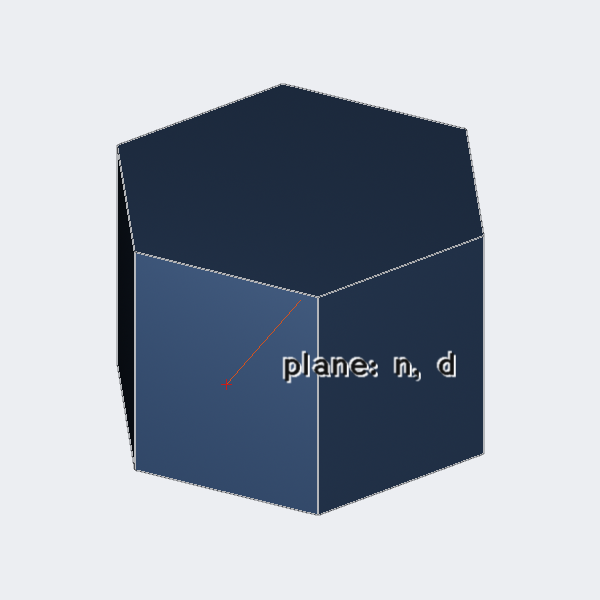
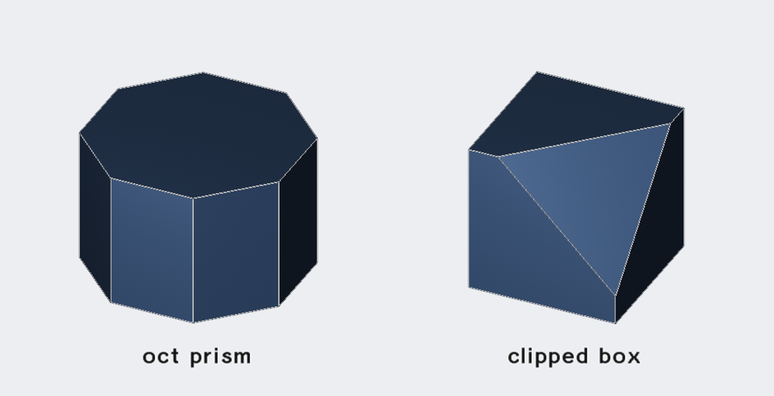
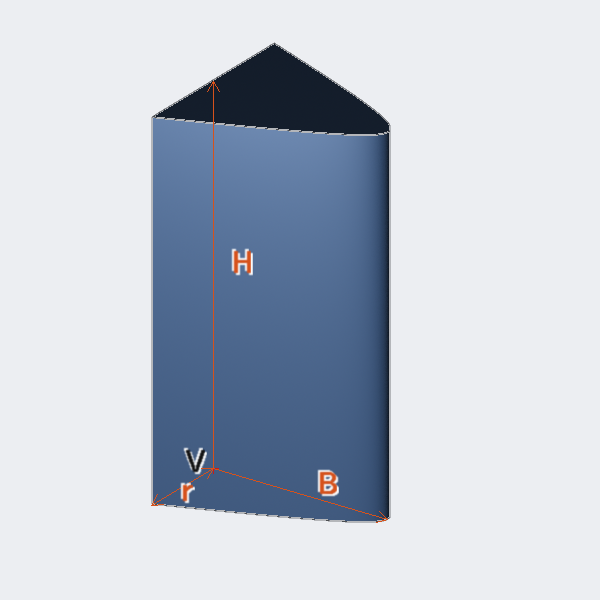
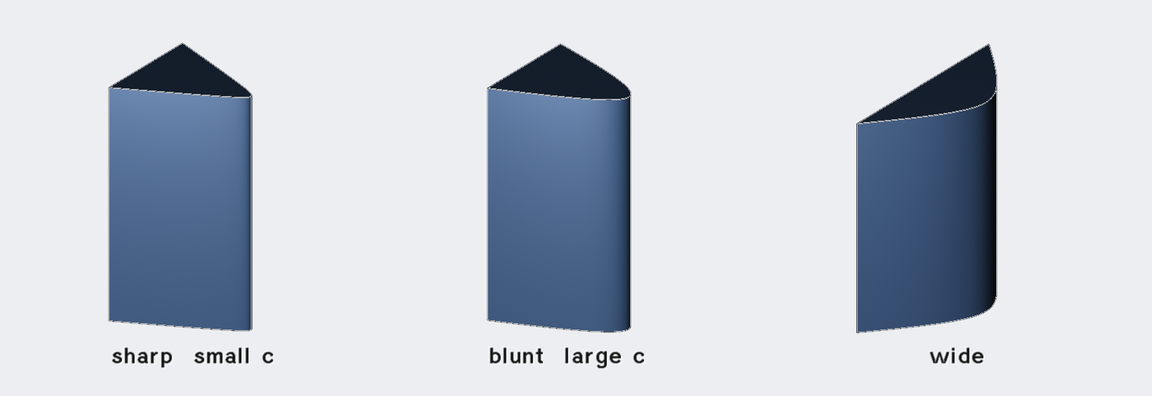
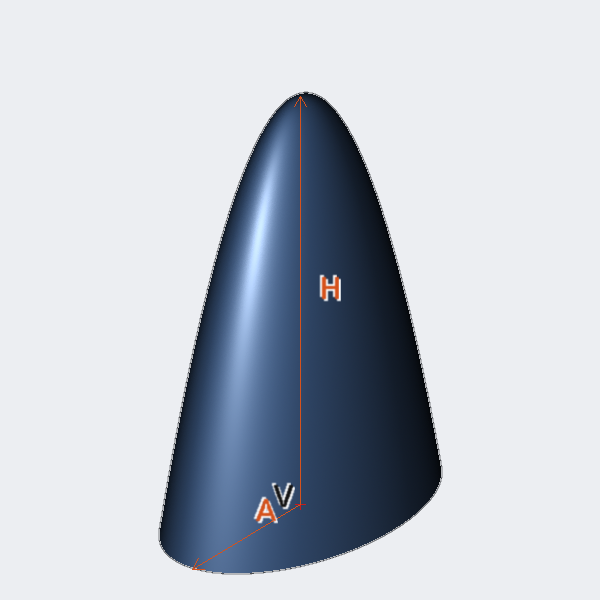
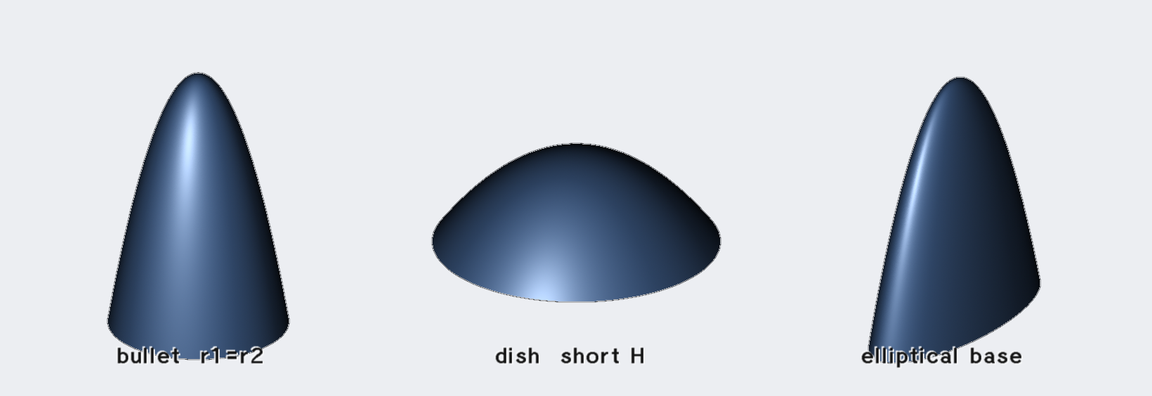
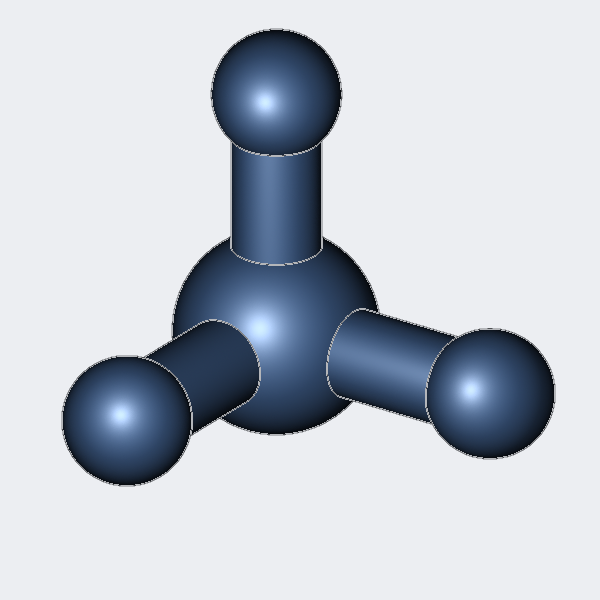
Solid modeling systems differ chiefly in how they represent shape. BRL-CAD
is, at its core, a Constructive Solid Geometry (CSG) modeler: complex objects
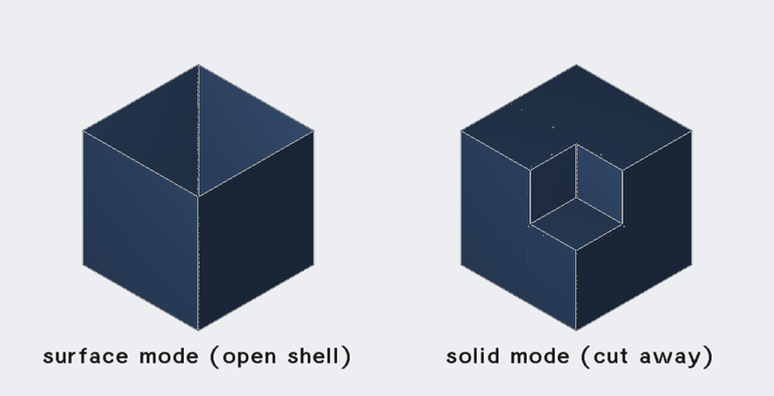
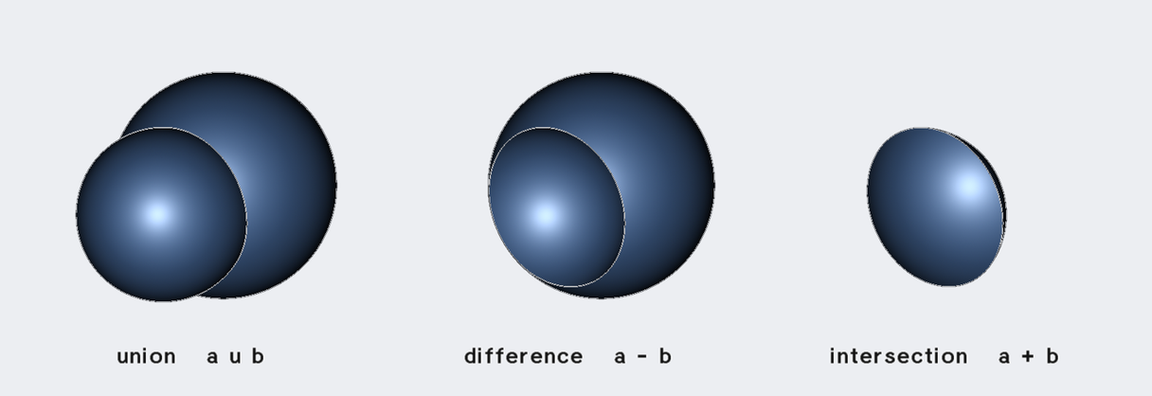
are built by combining simple, mathematically exact building blocks — primitives — with Boolean operations (union, difference, intersection).
Because the primitives are defined by closed-form equations rather than
approximated by facets, BRL-CAD can answer questions about the geometry (does
this ray hit it? what is its volume? how thick is it along this line?) exactly
and efficiently, which is why the system has long been used for engineering
analysis as much as for visualization.
Over four decades BRL-CAD has accumulated a uniquely broad palette of object
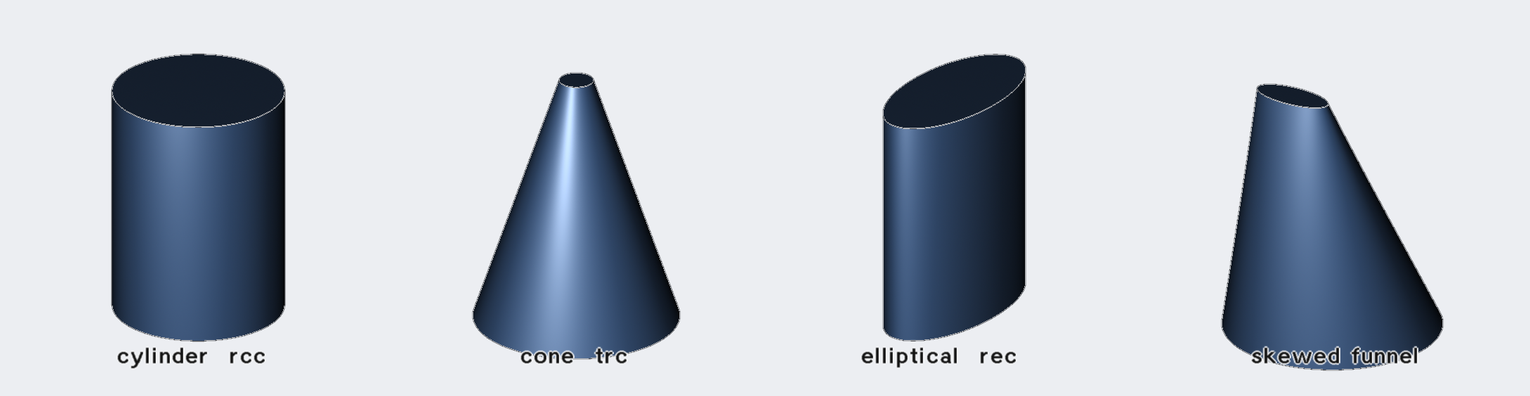
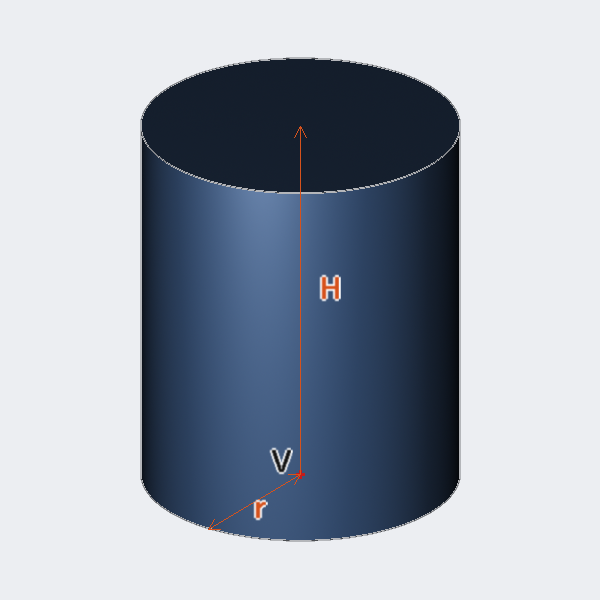
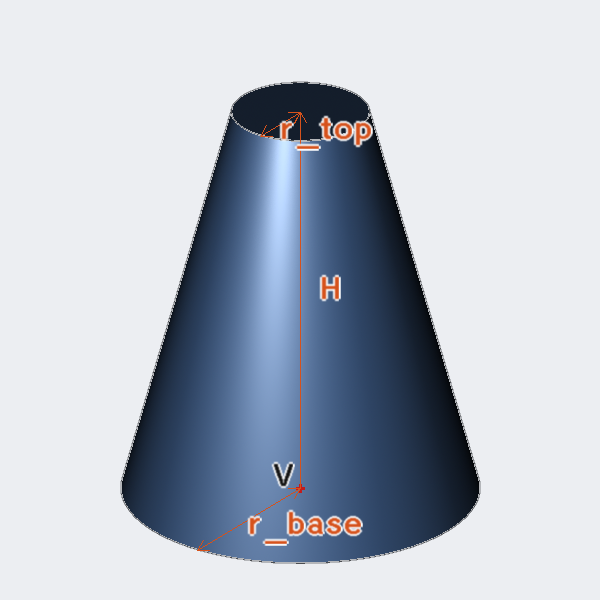
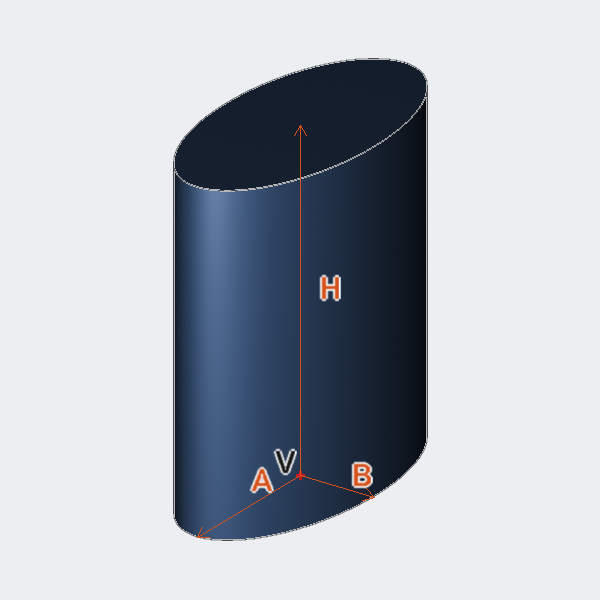
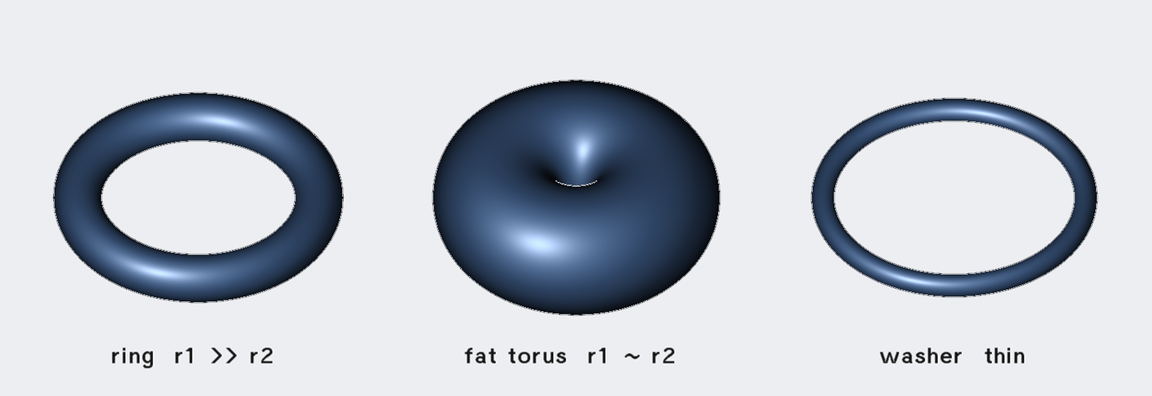
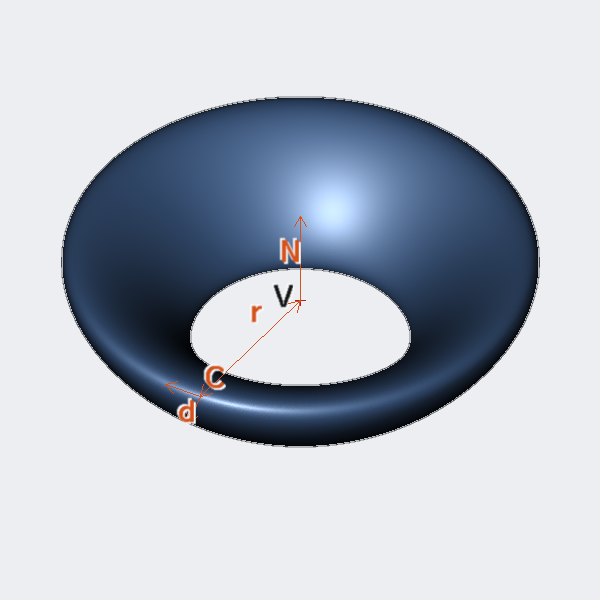
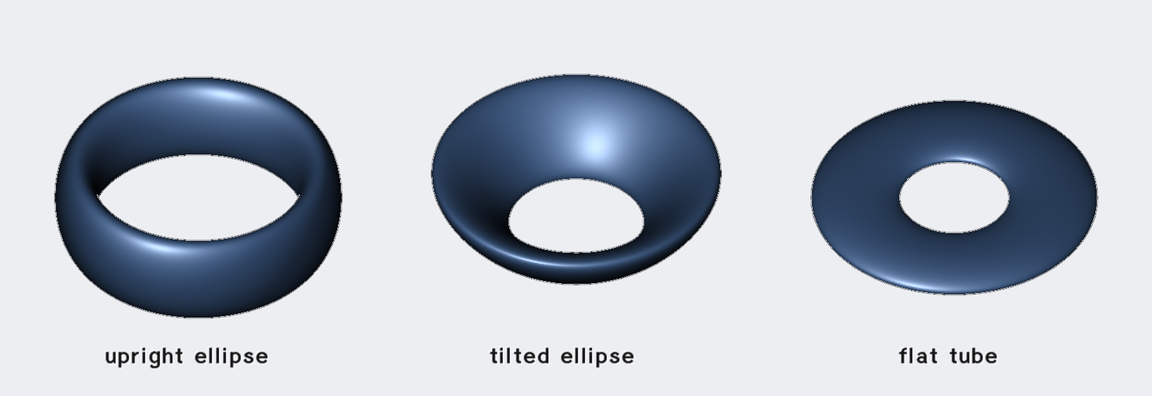
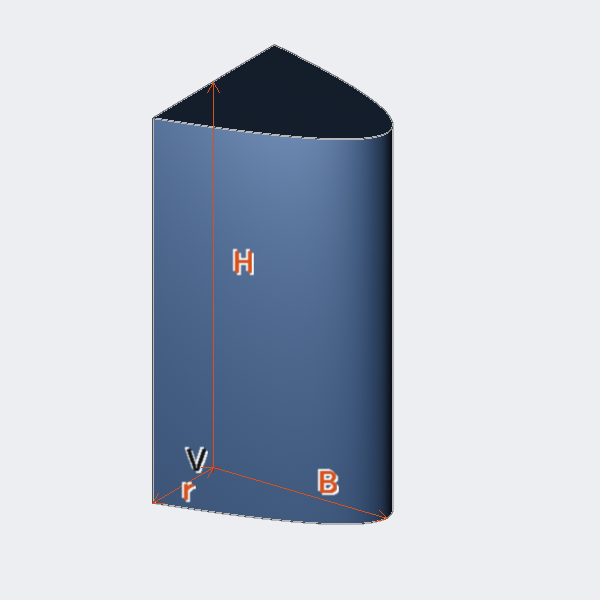
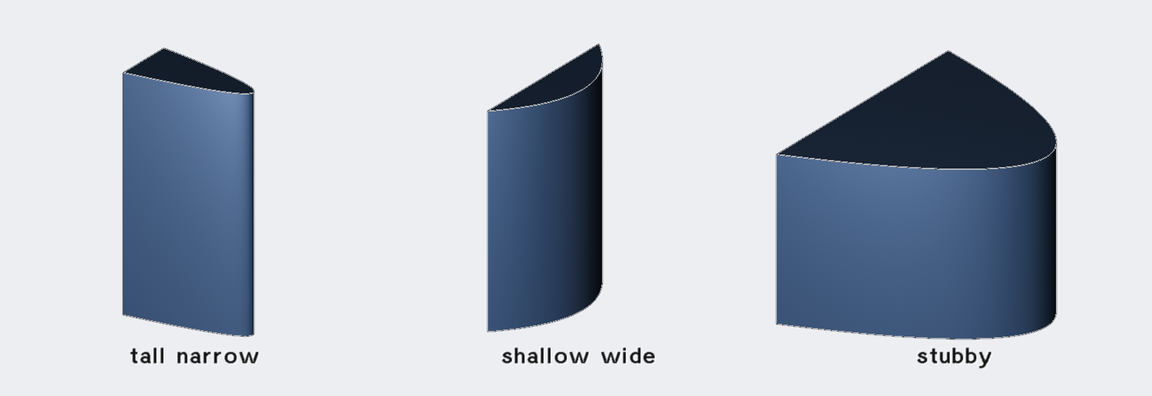
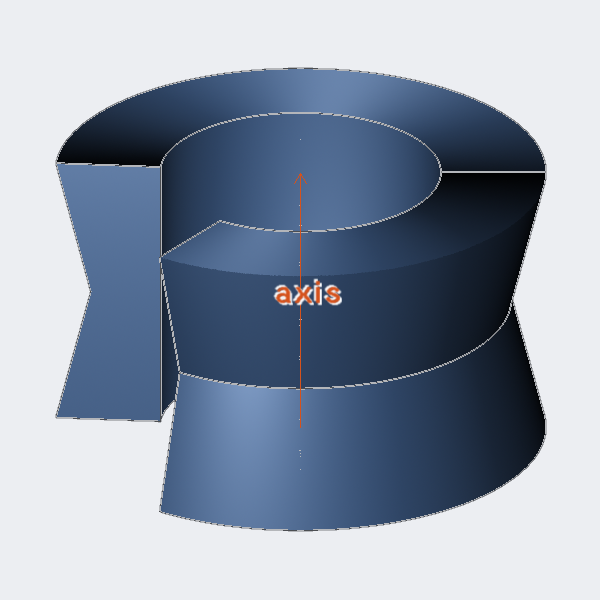
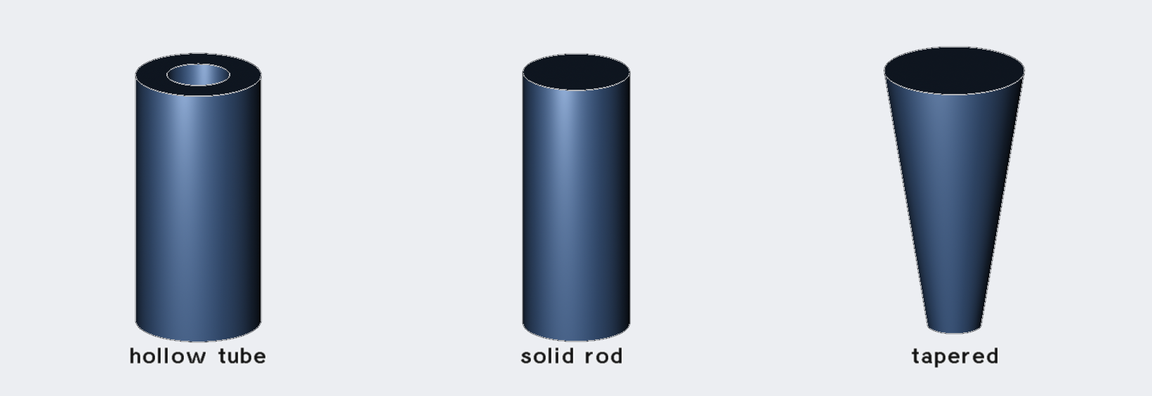
types. Alongside the classic CSG solids (boxes, cones, ellipsoids, tori) it
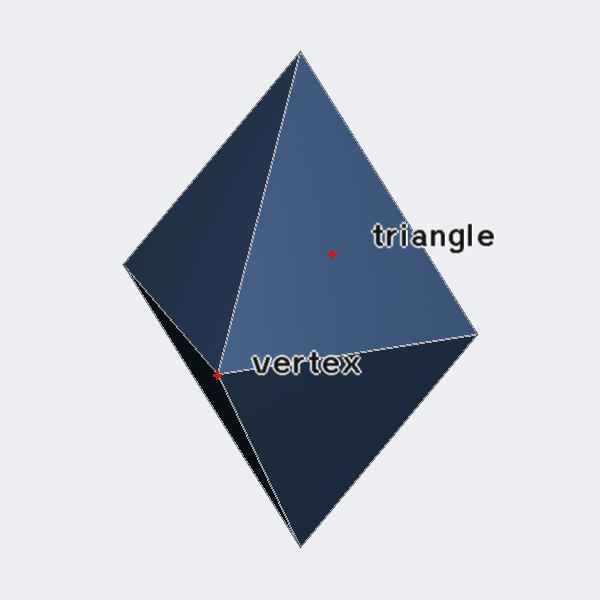
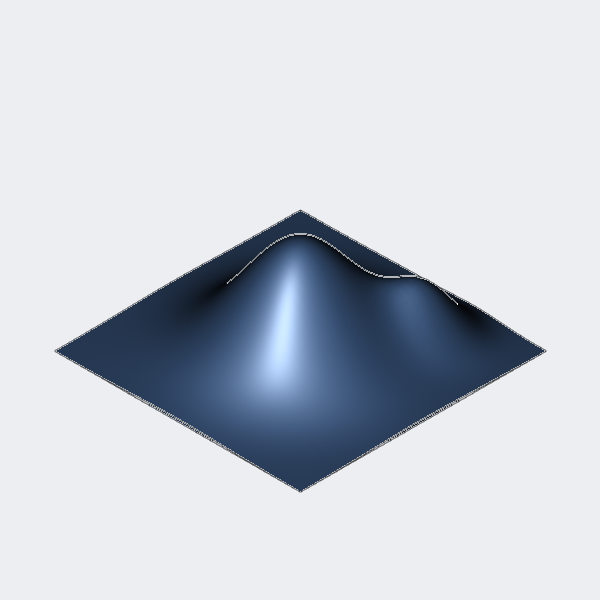
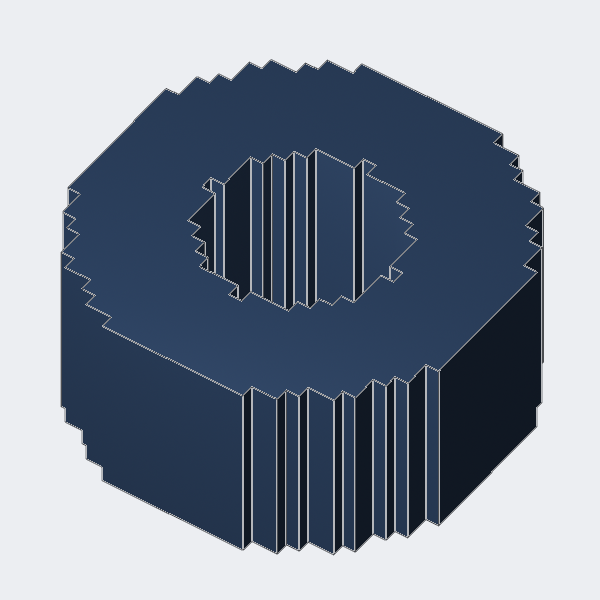
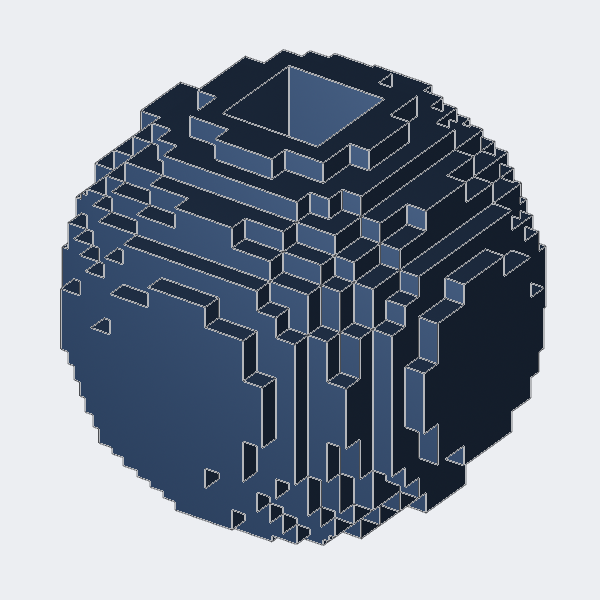
supports height fields and voxel volumes, triangle meshes and NURBS boundary
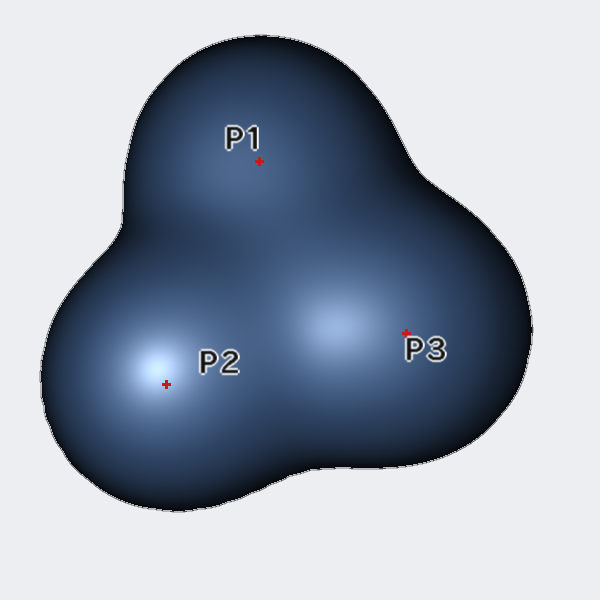
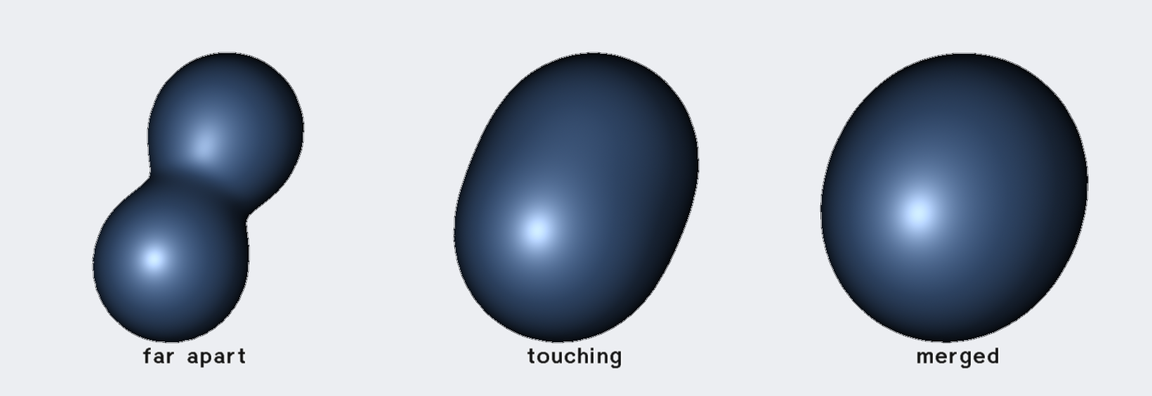
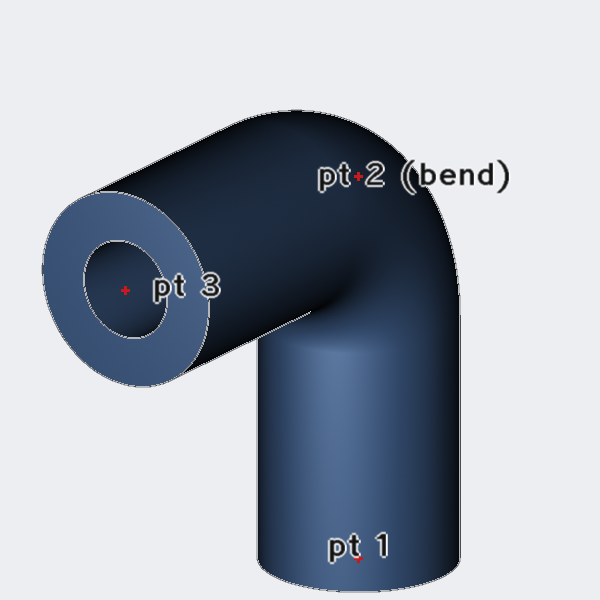
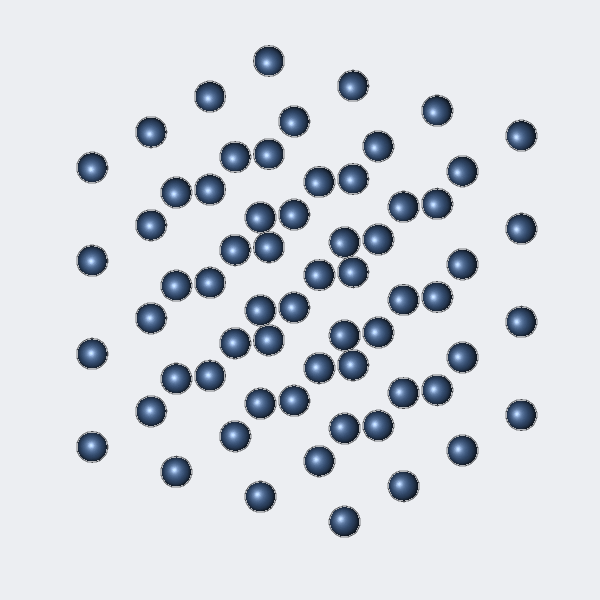
representations, swept sketches, piped tubing, point clouds, implicit
"metaball" surfaces, and construction aids such as datums and annotations.
This document catalogs them all.
Everything in a .g database is an object with a unique name. There are
three broad families:
-
Primitives (also called solids or shapes) — self-contained geometric
entities such as an ellipsoid or a triangle mesh. Each primitive stores a
fixed set of parameters and knows how to ray trace, plot, tessellate, and
report itself.
-
Combinations — interior nodes of a Boolean tree that reference other
objects. A region is a combination flagged as representing a single
homogeneous material (the unit of engineering analysis); a group is a
combination used purely for organization.
-
Non-geometric objects — supporting data such as uniform binary arrays,
parametric constraints, and material definitions.
Objects may also carry arbitrary attributes (name/value pairs), which is how
modern BRL-CAD records region IDs, material assignments, authorship, and any
user-defined metadata.
Coordinate system |
Right-handed Cartesian (X right, Y back/into the screen,
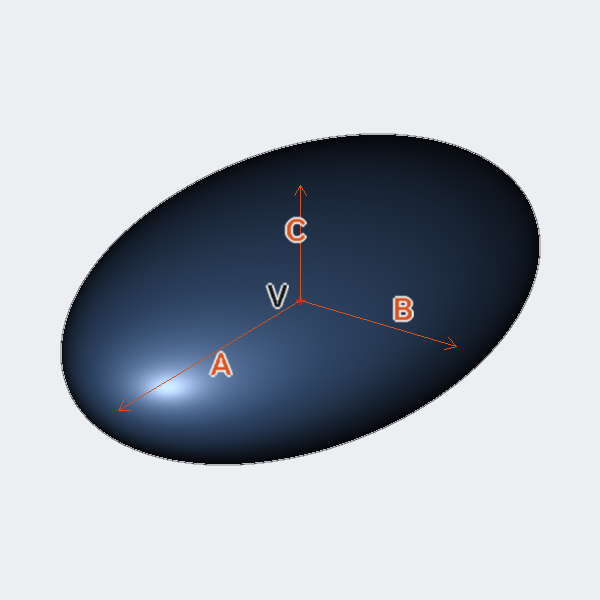
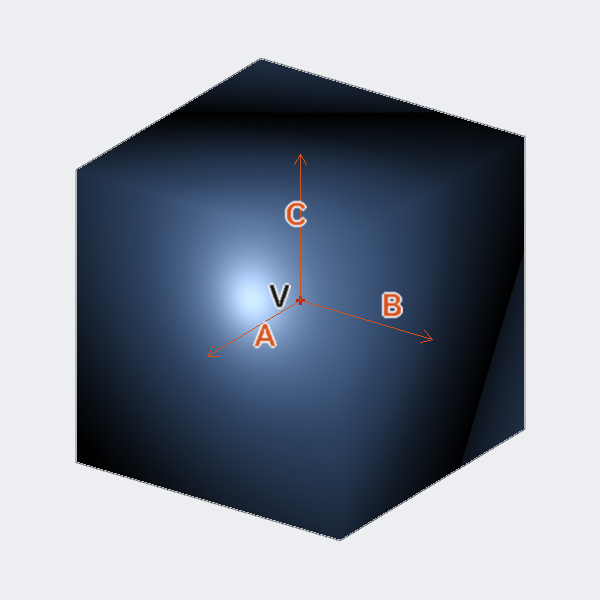
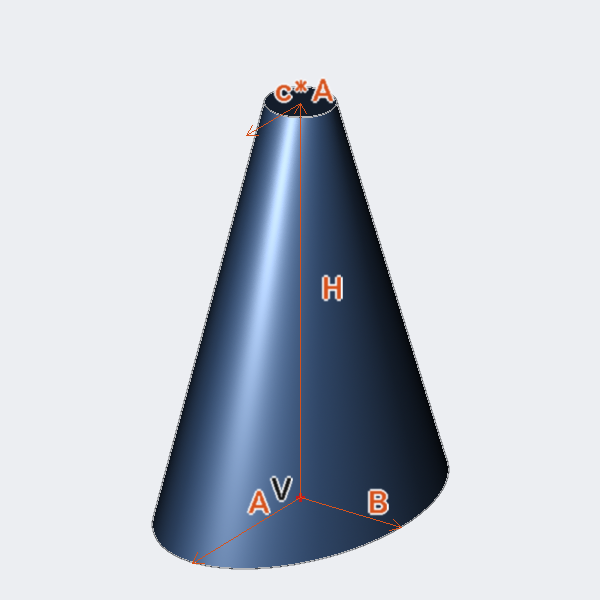
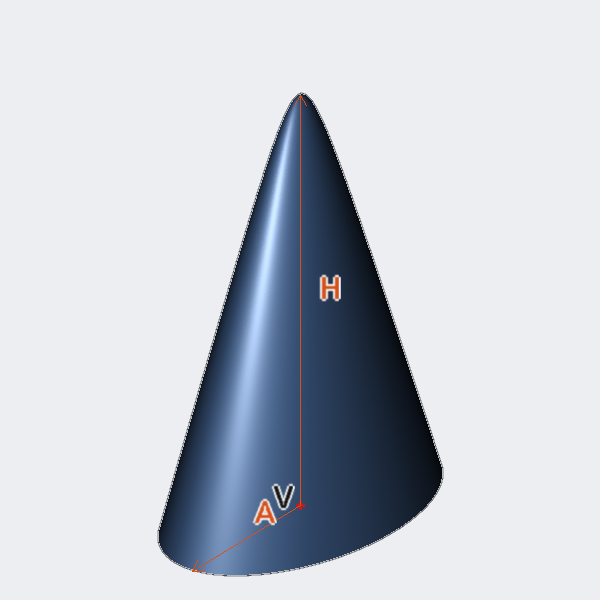
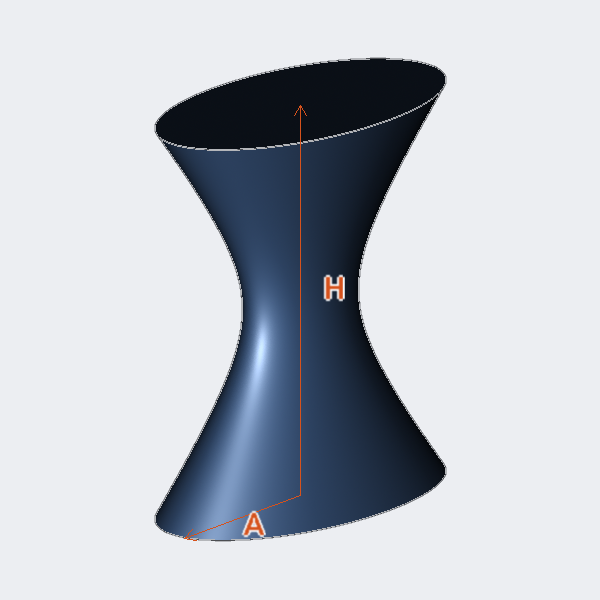
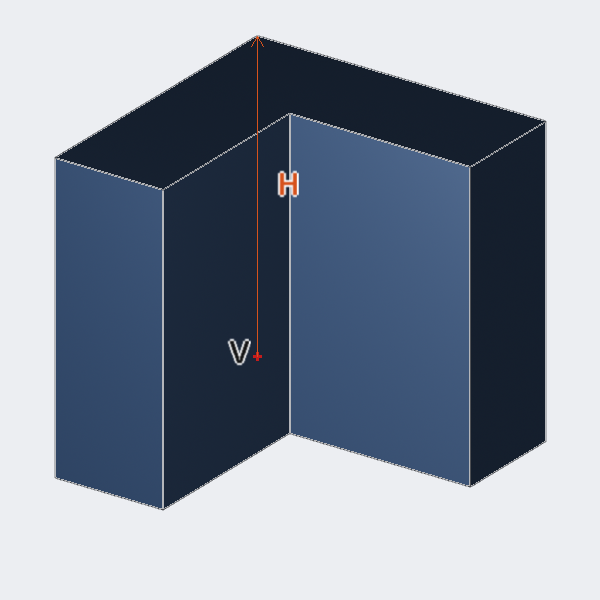
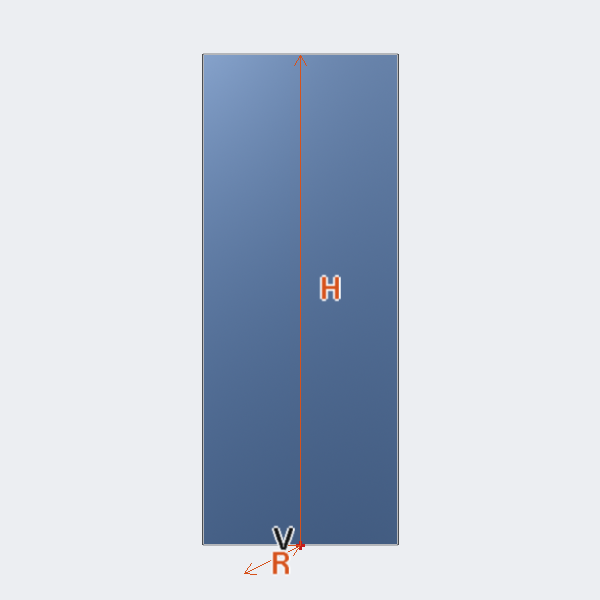
Z up). Vectors such as H, A, B, C are free vectors measured from the
primitive’s vertex V unless otherwise noted. |
Units |
Internally all geometry is stored in millimeters. Coordinates you
type are interpreted in the database’s current local units (set with the
units command — mm, cm, m, in, ft, …). The recipes below use
bare numbers; they are whatever units are in effect. |
Points vs. vectors |
A point (like V) is an absolute location. A
vector (like H) is a direction-and-length offset; the far end of vector H
drawn from V is the point V + H. |
The in command |
Nearly every primitive can be typed in directly with
in name type values…. Run without enough arguments it prompts for
each value in turn, so the recipes below double as the prompt order. |