rt -B -M -p55 -s512 -P1 [style options] -o <name>.png cornell.g all.g < cornell.view
BRL-CAD Renderer Showcase
This gallery shows BRL-CAD’s image-producing ray-tracing front ends and
selected rt output styles rendered against the sample Cornell box model.
Each snapshot uses the same database, object, perspective, and saved view
matrix from db/cornell.rt:
The scalar and plot outputs are converted with BRL-CAD image tools. In
particular, rthide is rendered as plot3 and rasterized with plot3-fb and
fb-png.
|
Note
|
This article and its images are a committed snapshot. Developers can
regenerate them from the built tools by configuring with
-DBRLCAD_GENERATE_RENDERER_GALLERY=ON and building the
renderer-gallery-snapshot target.
|
RT lighting models
|
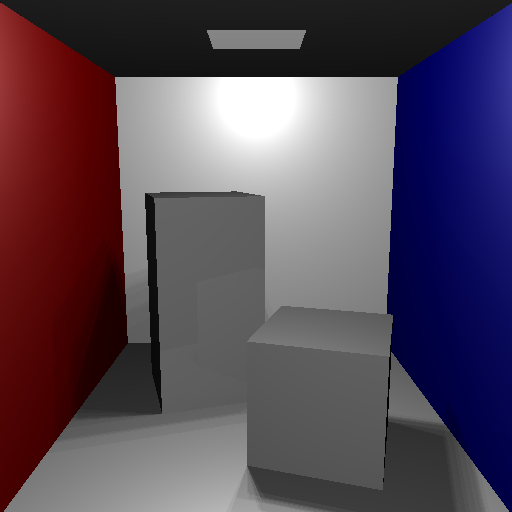
rt -l0 full lighting: Full lighting model with explicit Cornell-box light, material color, shadows, and reflection. |
|
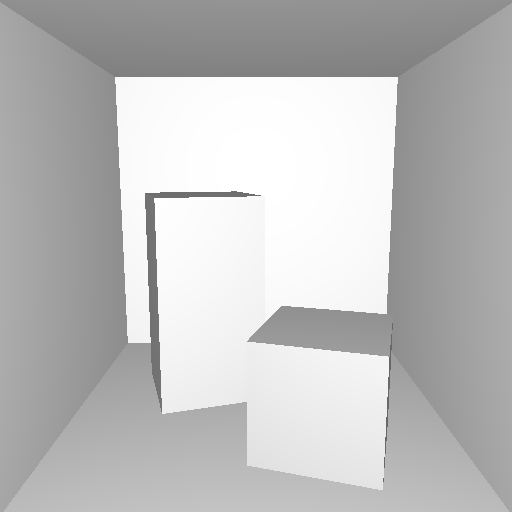
rt -l1 eye diffuse: Simple diffuse lighting from the eye, useful for debugging object form without scene-light complexity. |
|
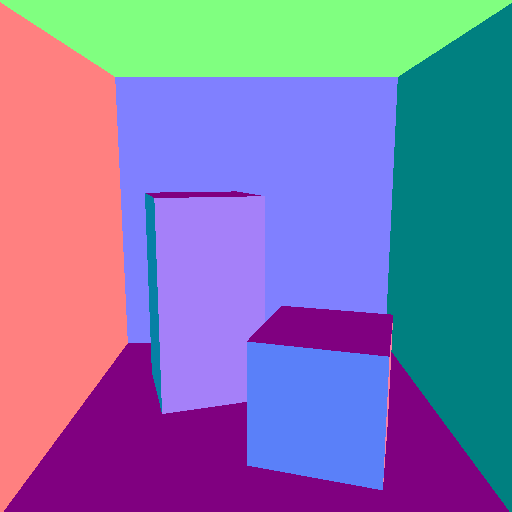
rt -l2 normals: Surface normals encoded as RGB colors, useful for checking orientation and curvature continuity. |
|
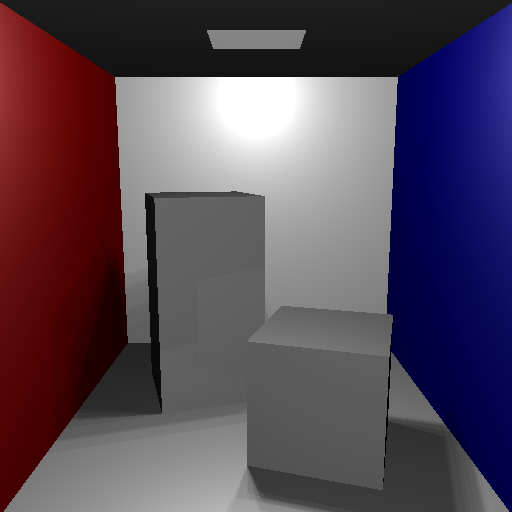
rt -l3 three-light: Three-light diffuse debug model. On the Cornell box this currently matches the full-lighting snapshot closely. |
|
rt -l4 curvature: Inverse-curvature debug display. The Cornell box is mostly planar, so the committed image is intentionally flat. |
|
rt -l5 principal direction: Principal curvature direction debug display. |
|
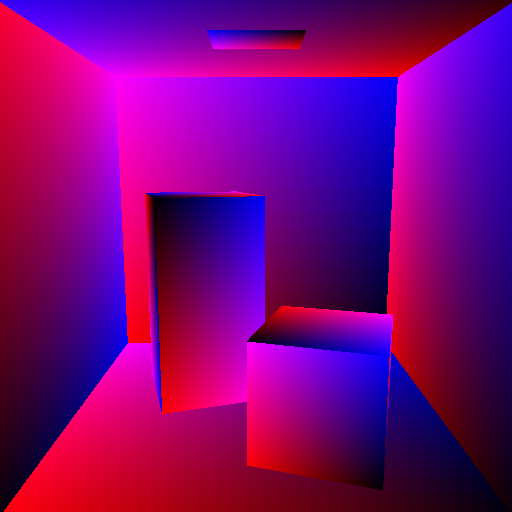
rt -l6 UV: UV coordinate test-map style; U appears in red and V in blue. |
|
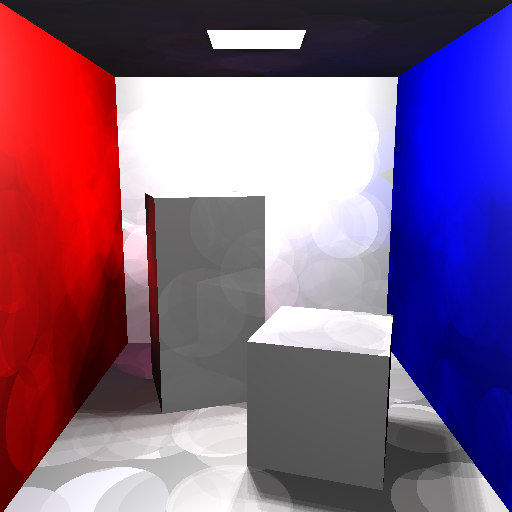
rt -l7 photon map: Photon-mapping global illumination using a small deterministic photon count so regeneration remains quick enough for documentation snapshots. |
|
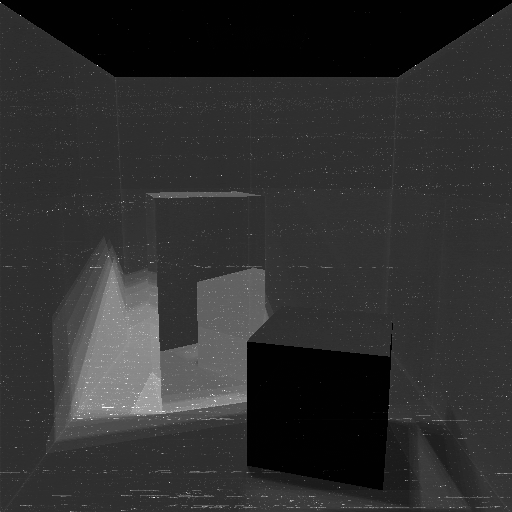
rt -l8 heat graph: Heat-graph diagnostic mode maps the high-resolution current-thread CPU time needed to render each fully shaded pixel to grayscale; brighter pixels took longer to render. |

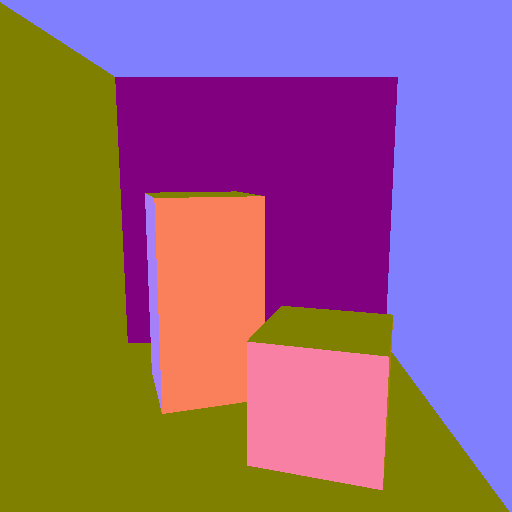
RT output options
|
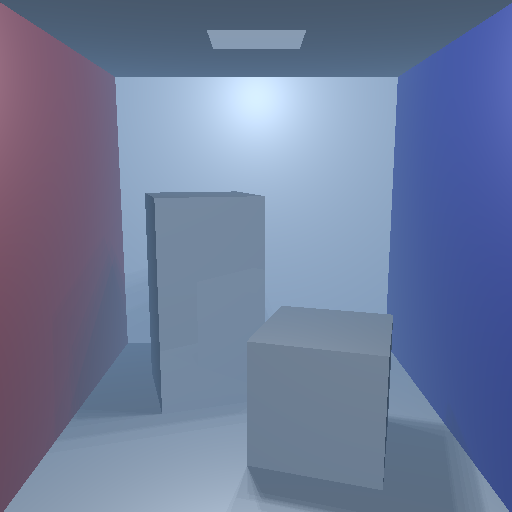
rt haze: Full lighting with atmospheric haze enabled. |
|
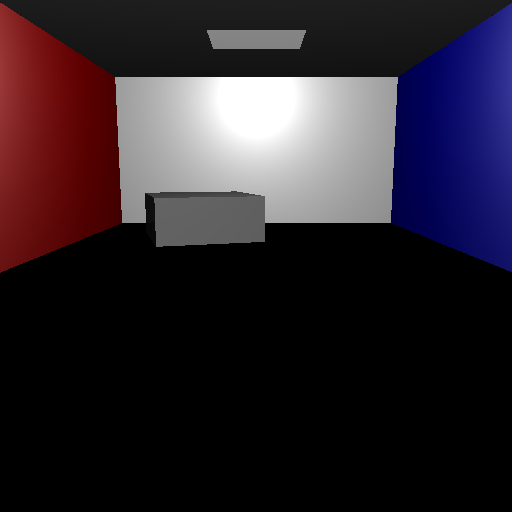
rt cut plane: Full lighting with a view-wide cutting plane applied at render time. |
Edges and line renderers
|
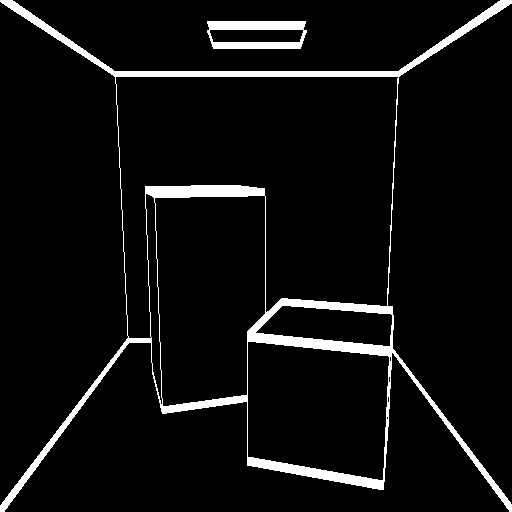
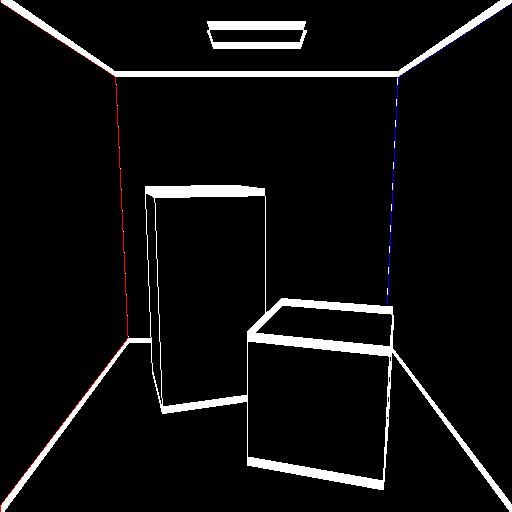
rtedge default: Default edge rendering on a dark background. |
|
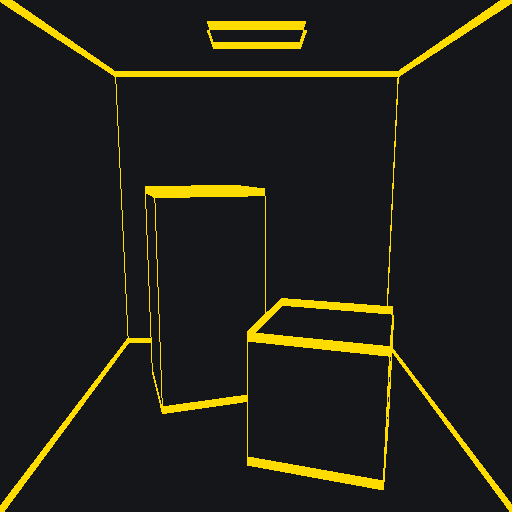
rtedge colored: Custom foreground and background colors. |
|
rtedge region colors: Region-aware edge rendering using region colors. |
|
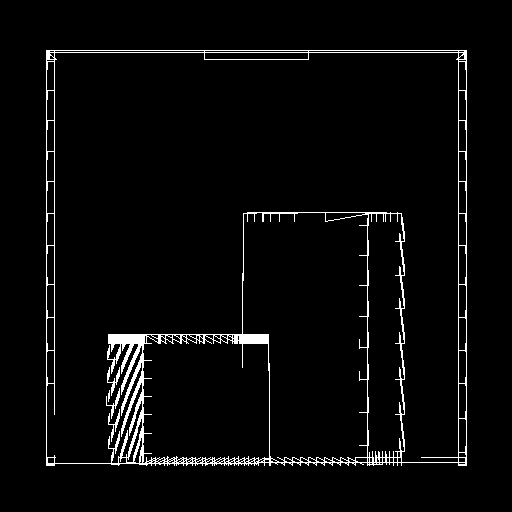
rthide hidden line: Hidden-line plot3 output rasterized with BRL-CAD’s plot3-fb and fb-png tools. |
Scalar image renderers
|
rtdepth: Depth map rendered as grayscale. |
|
rtxray: Pseudo X-ray thickness image rendered as grayscale. |